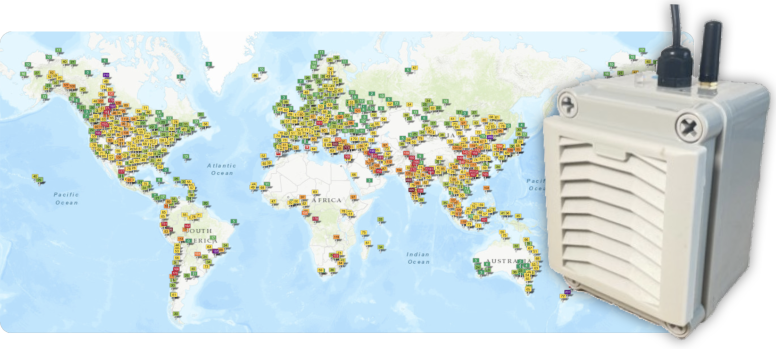
Sharing an Ecowitt device
If you want to share you Ecowitt device, you just need to send us the "authorize" code, which looks like
This is how to find the code:
- Log in to ecowitt.net
- Click Share in the left sidebar menu.
- Click Add Share and select your device under Public Device.
- Save the share to generate your public link (format: https://ecowitt.net).
- Copy the authorize code (the alphanumeric string after authorize=, such as 7AQ6PA